My son used to love word searches when he was a kid. Those newspaper puzzles where you hunt through a grid of letters looking for hidden words. I thought it would be fun to build him a digital version. How hard could it be?
Harder Than You'd Think
Turns out, word search puzzles are deceptively complex. On the surface it seems simple: create a grid of random letters and hide some words in it. But there's a lot going on under the hood. Words can be placed horizontally, vertically, or diagonally. They can go forwards or backwards. And they need to fit within the grid without colliding with each other, unless the overlapping letters happen to match, in which case the overlap is actually desirable because it makes the puzzle more interesting.
The placement algorithm has to try different positions and directions for each word, backtracking when it hits a dead end. And if a word simply won't fit after enough attempts, you have to give up on it gracefully. Then you fill in all the remaining empty cells with random letters to disguise the hidden words. It's the kind of problem that sounds trivial until you start implementing it.
The Abandoned Project
I got partway through it and hit a wall. The complexity started piling up faster than I could manage it. Between the word placement logic, the UI for selecting letters, and keeping track of found words, the project stalled out. It sat in my side projects folder collecting dust.
AI to the Rescue
I've been dusting off a lot of old projects lately, thanks to AI. It's one of the unexpected benefits I wrote about in my recent post on AI as a dev tool. When you have an assistant that can see your whole codebase and help you work through problems, those half-finished projects suddenly feel approachable again.
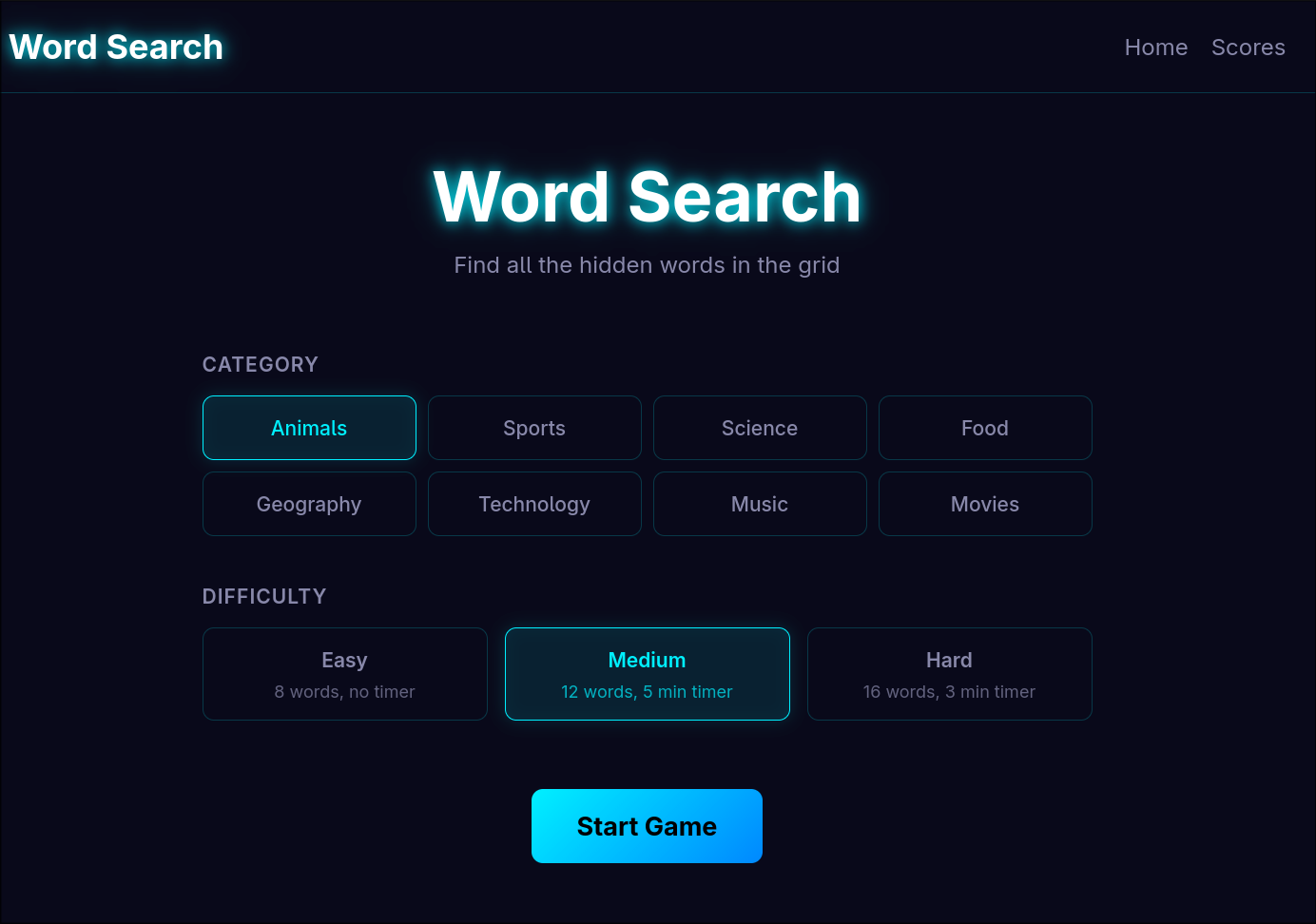
So I pulled the word search project out of mothballs and got to work. The AI helped me structure the word placement algorithm properly with backtracking. It helped me set up a canvas-based renderer for smooth interaction. It suggested organizing words into categories like animals, sports, science, and food, and implementing difficulty levels that change which directions words can be placed.
The Grid Size Humility
Here's where I have to admit the AI was right and I was wrong. When it came time to decide on the grid size, the AI recommended 10x10 or 15x15. That felt too small to me. A real word search puzzle should have a big, intimidating grid, right? I pushed for 25x25.
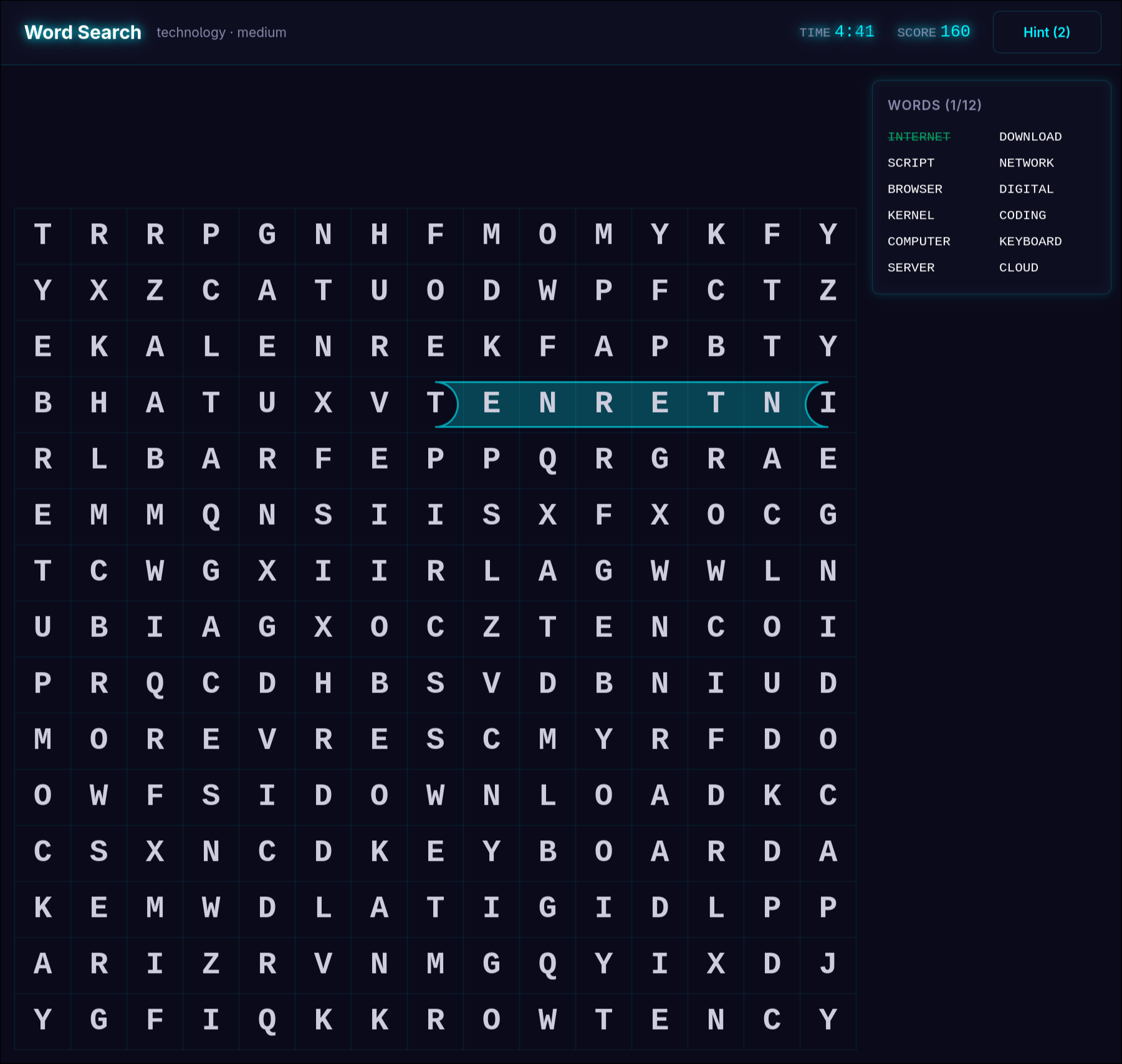
25x25 was way too big. The words get lost in a sea of letters. It stops being fun and starts being tedious. I sheepishly scaled it back down to 15x15. Lesson learned.
The Result
The finished puzzle has everything I originally envisioned. Nine word categories, three difficulty levels, a hint system for when you're stuck, and a scoring system that rewards speed and penalizes hint usage. It tracks high scores in local storage so you can try to beat yourself.
Was it a lot of fun to make, even with AI assistance? Absolutely. There's something satisfying about taking an abandoned project and finally getting it over the finish line.
If you want to try it out, the code is on GitHub.
Subscribe to the newsletter
Get notified when I publish new posts. No spam, unsubscribe anytime.
By subscribing, you agree to our privacy policy.